Education
National Taiwan University
Dept. of Computer Science & Information Engineering — AI master's program, HCI Lab
AI products · HCI research · Web
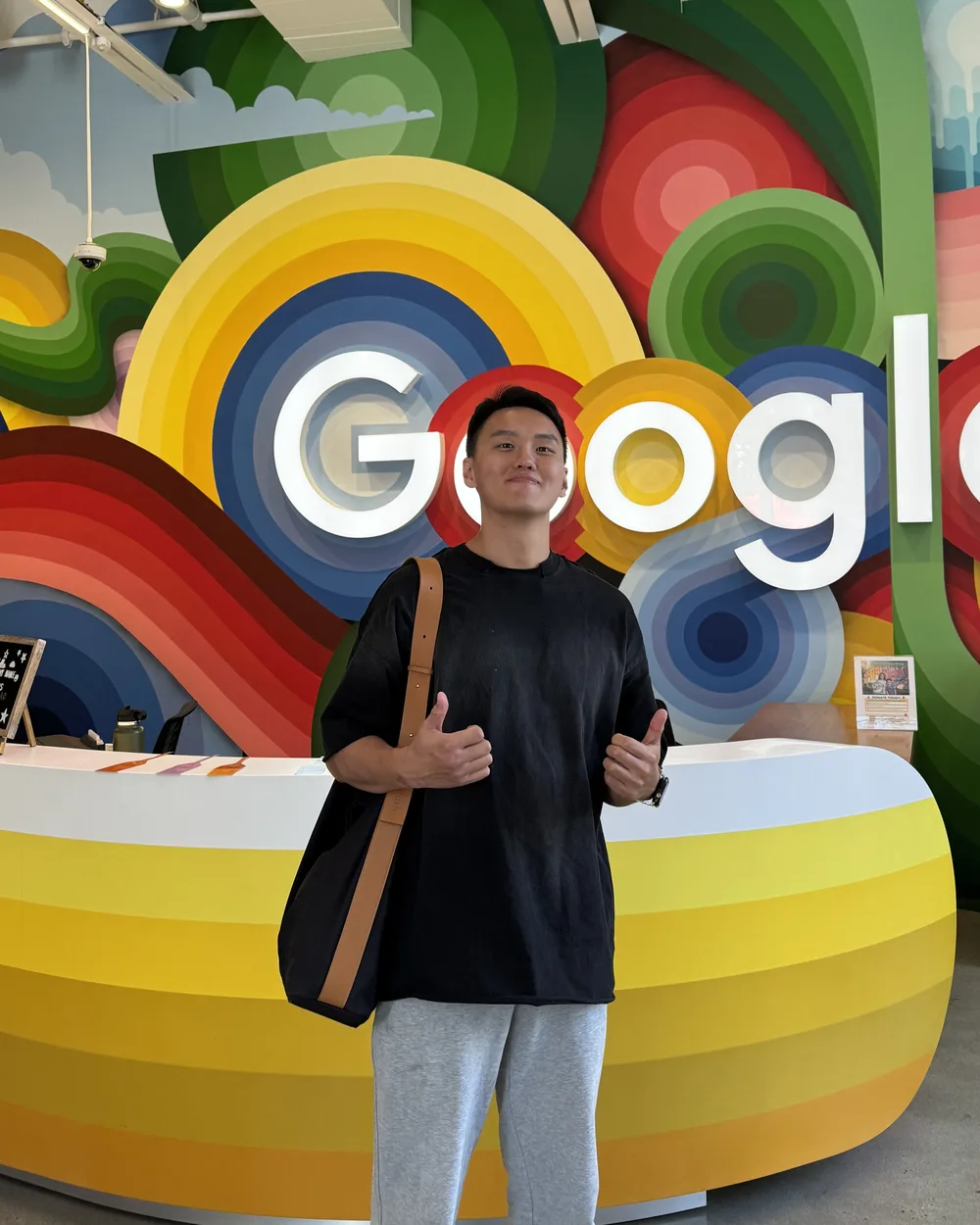
I'm Ray Tsai, in the AI master's program at NTU CSIE (HCI Lab). I started in speech-recognition research, shipped an AI speaking-practice app on my own, and build websites for communities and programs.
 MirrorLive on the App Store
Research taught me how to measure; products taught me what to cut. Here is where I study and what I have done.
Education
Dept. of Computer Science & Information Engineering — AI master's program, HCI Lab
Research
2025/6 – 2026/3Part-time research assistant
Speech recognition challenge
2nd
Track 1 — 2nd place
3rd
Track 2 — 3rd place
Team entry (student division); the team's paper was published at ROCLING 2025.
Summer 2026
≈7weeks
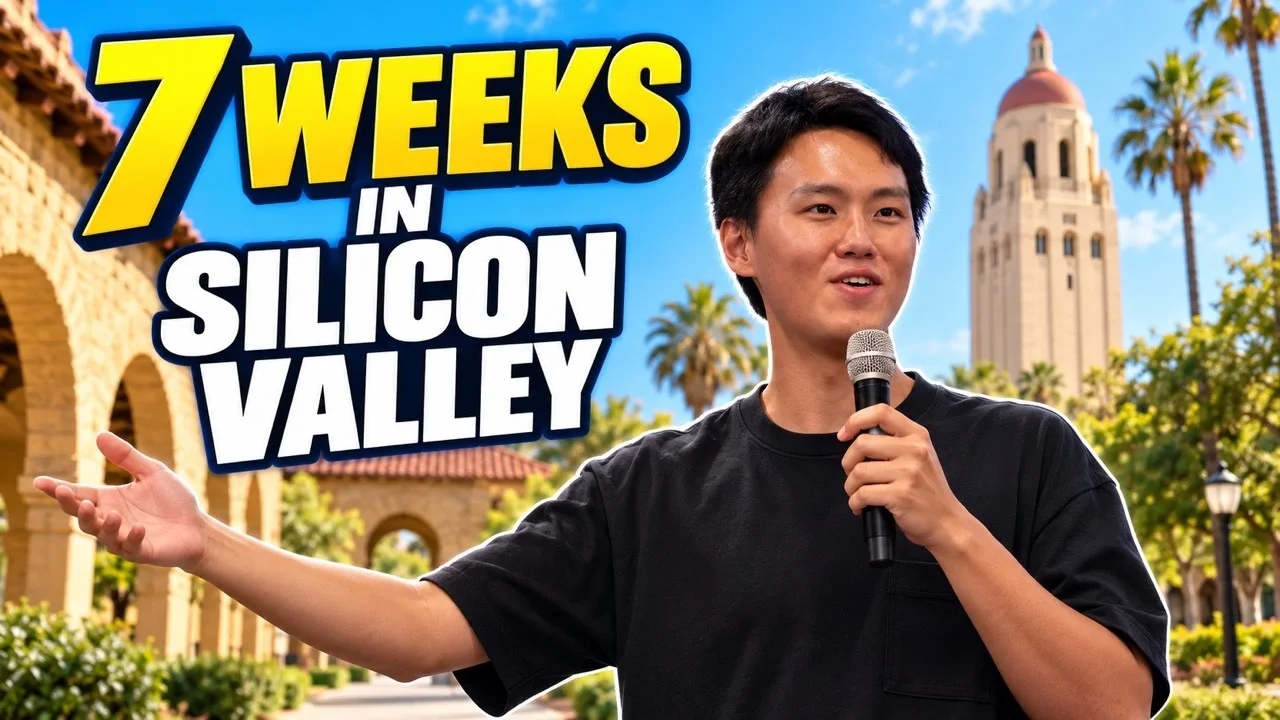
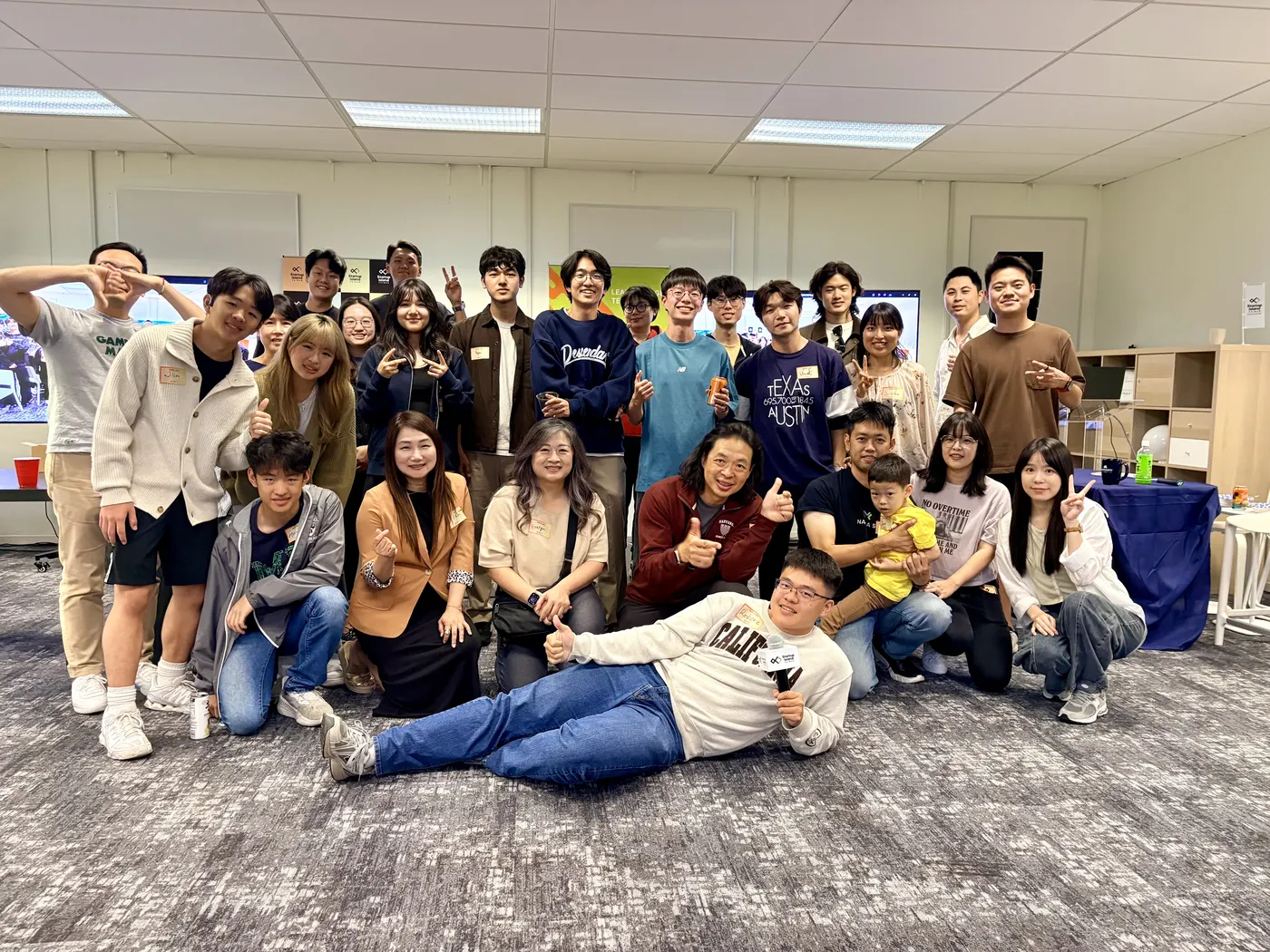
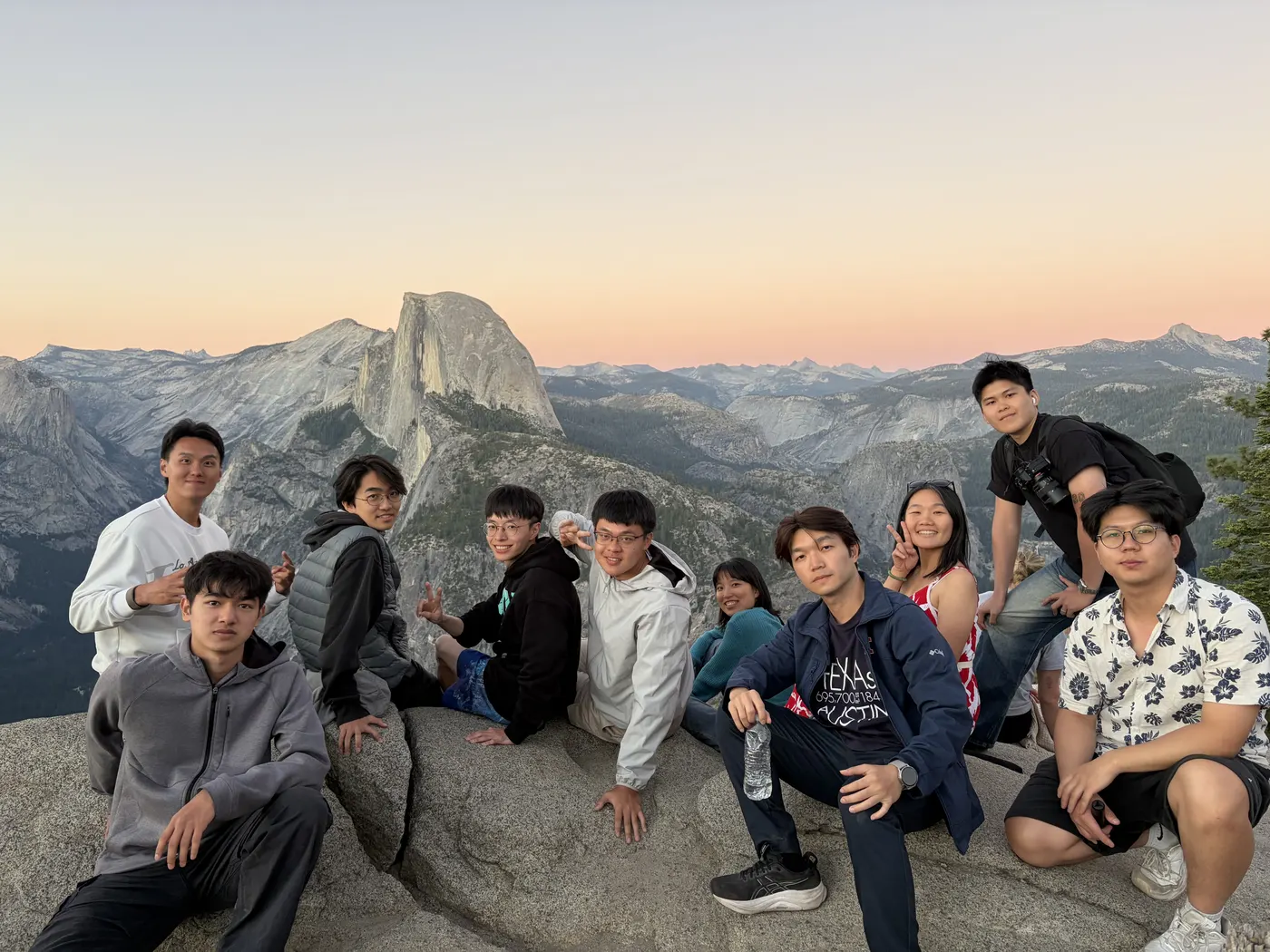
About seven weeks in Silicon Valley doing market research and expert interviews, followed by the Demo Day on Sep 12.
Read the seven-week recap (opens in a new tab)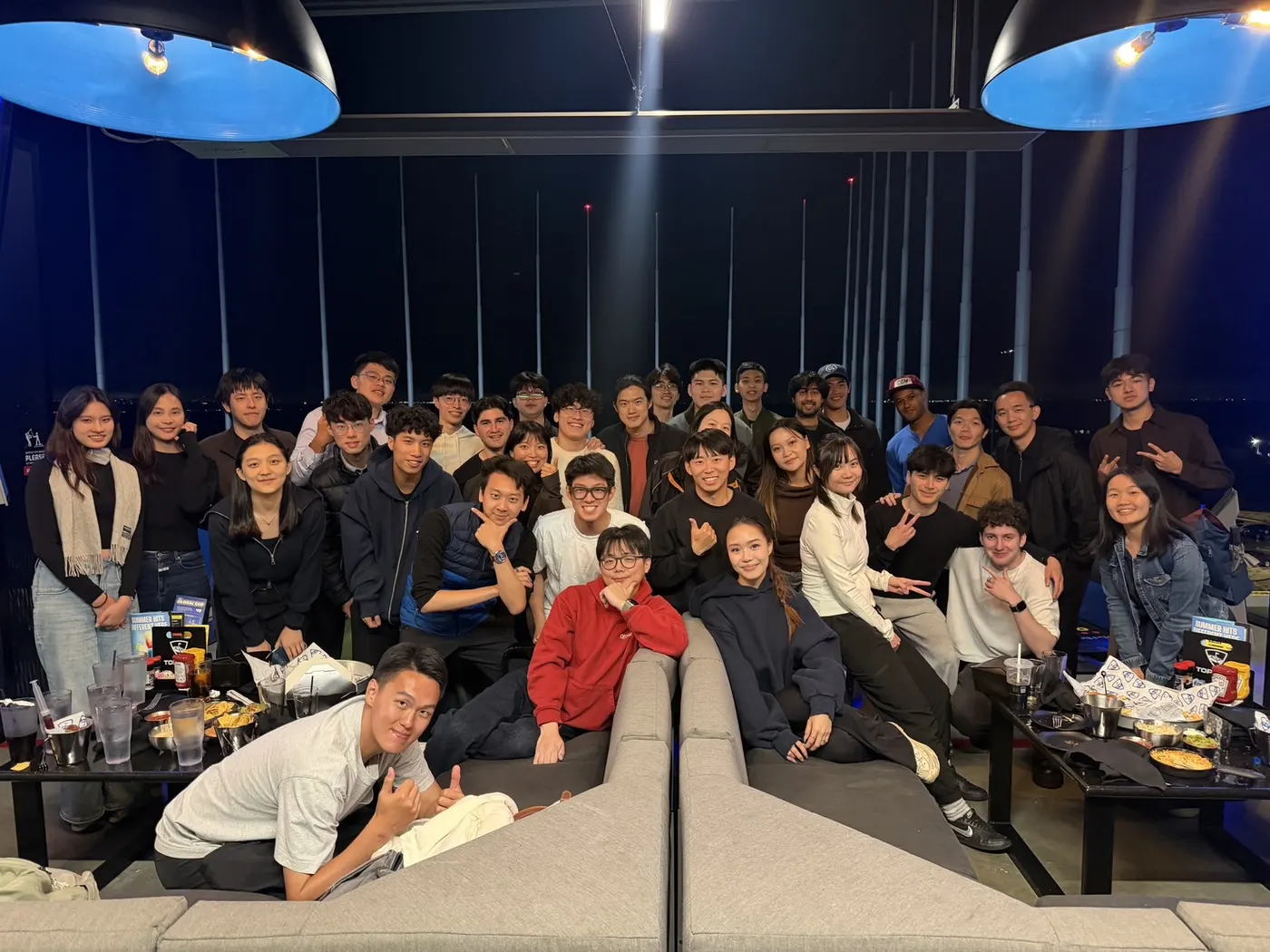
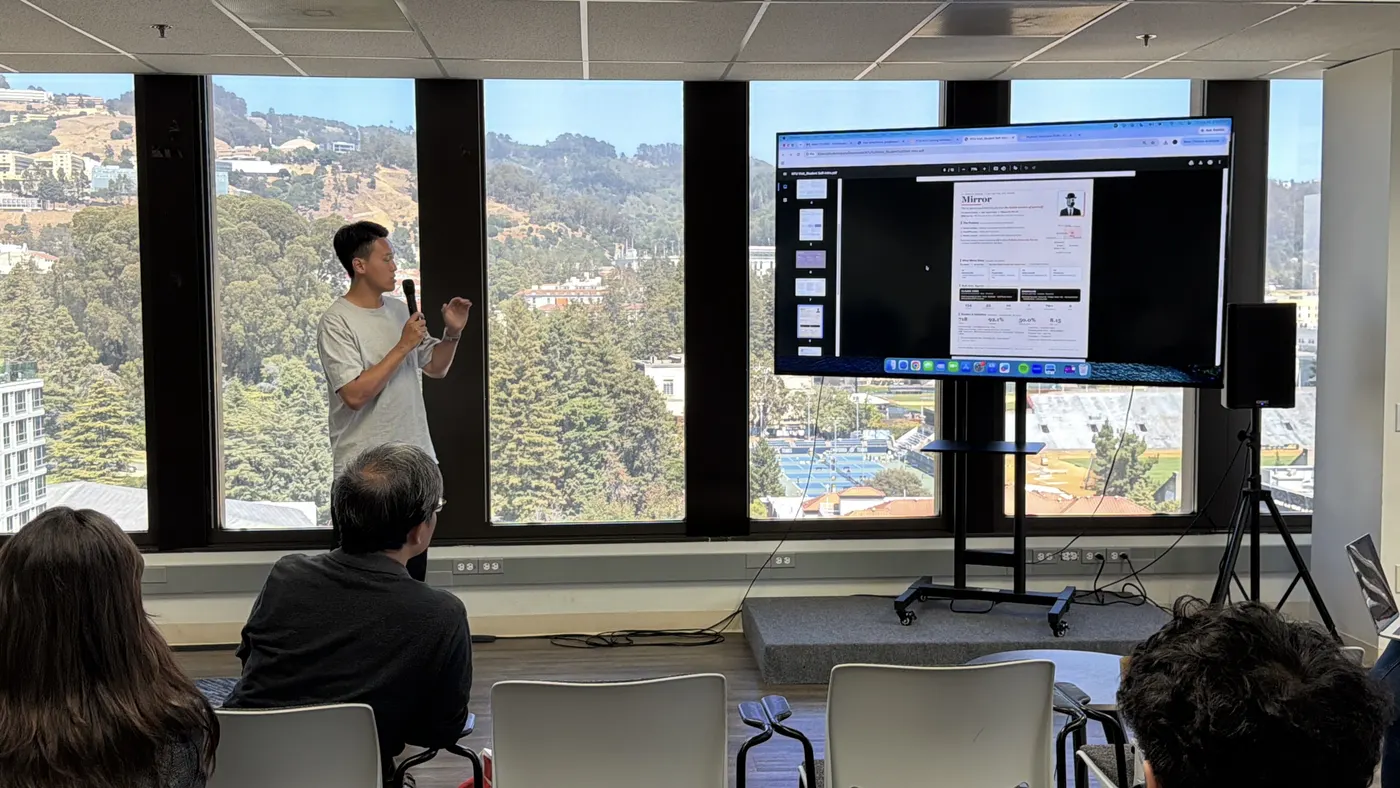
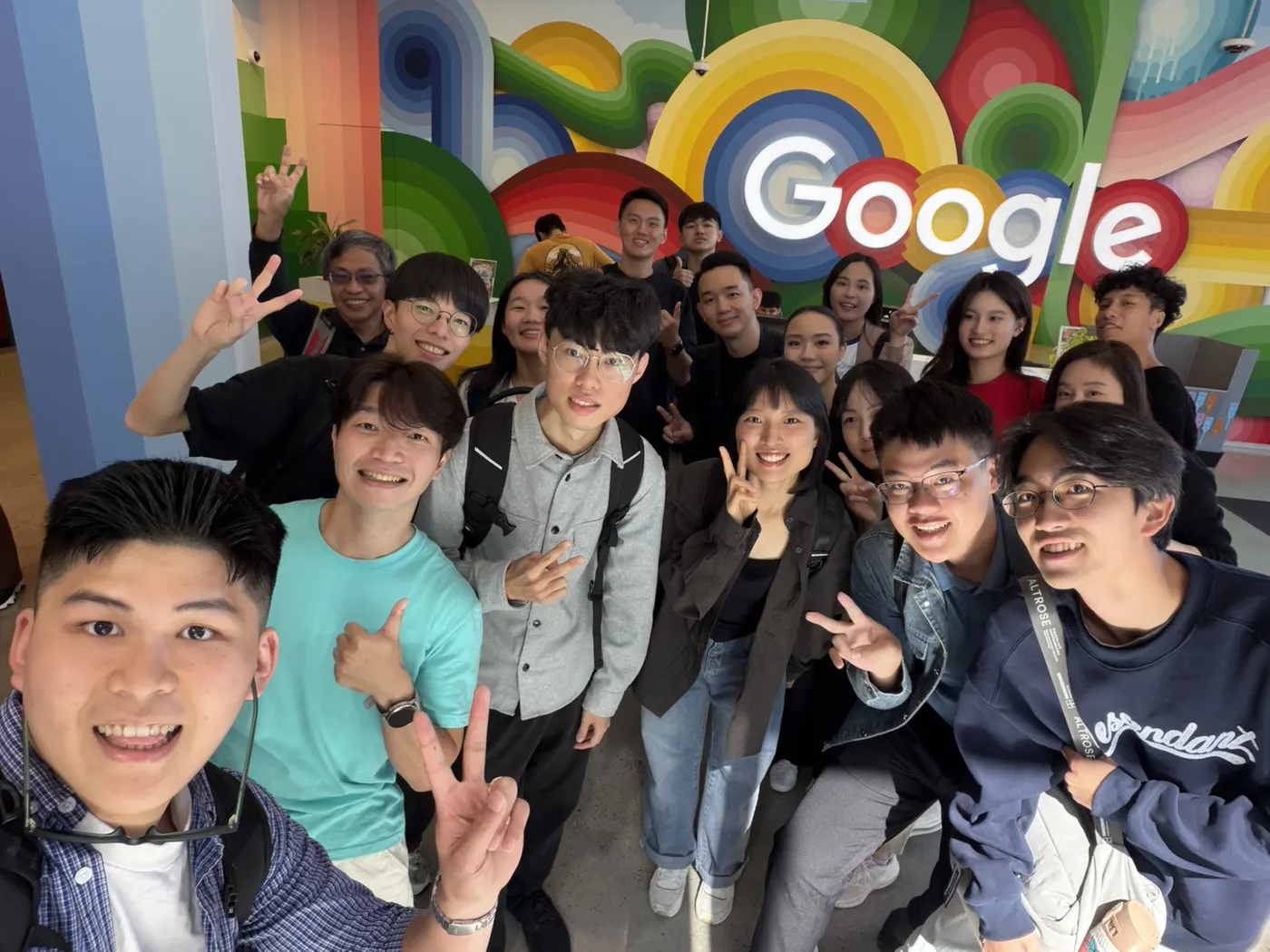
Film · YouTube · 10:36
Seven Weeks in Silicon Valley | Growing Into My Own Voice
YouTube loads only after you press play.
Watch on YouTube (opens in a new tab)Turning research and curiosity
into tools people use daily
Live on the App Store
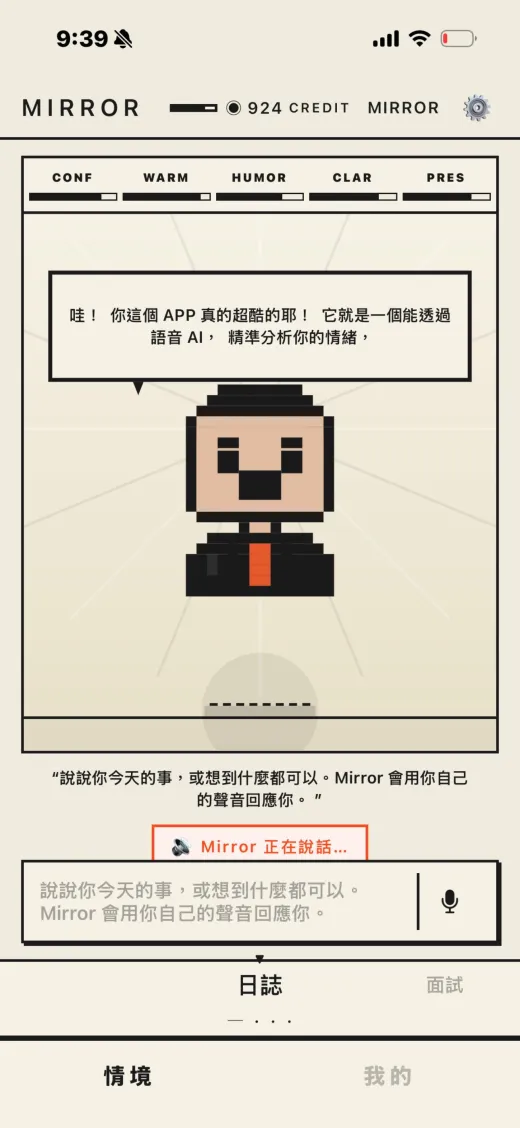
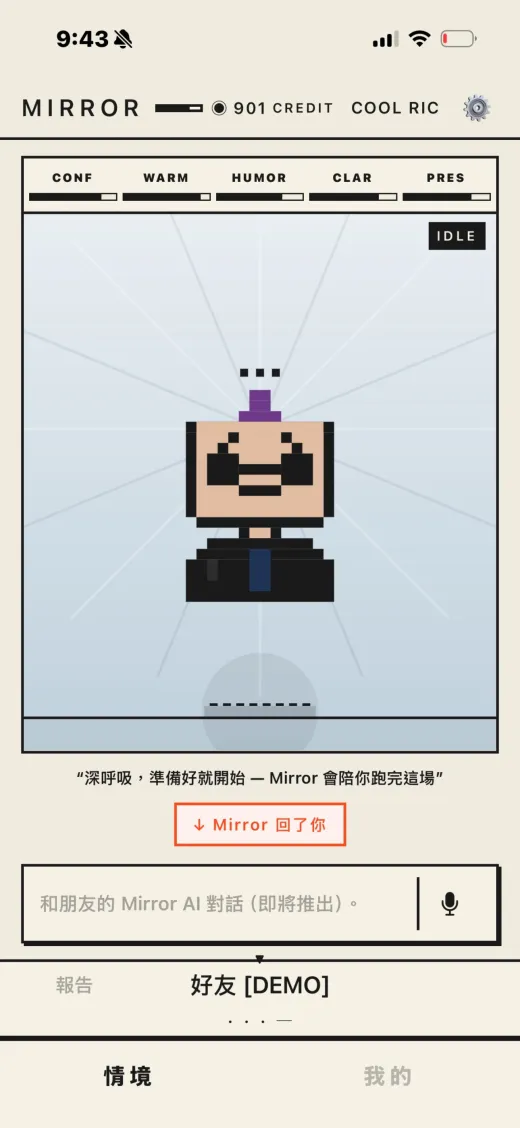
An AI speech coach: record your spoken answer, and Mirror transcribes, scores and rewrites it for clarity and structure — then plays the better version back in your own cloned voice.
Built solo · iPhone · Free
View on the App Store(opens in a new tab)Open a project to see its screens, status and links.
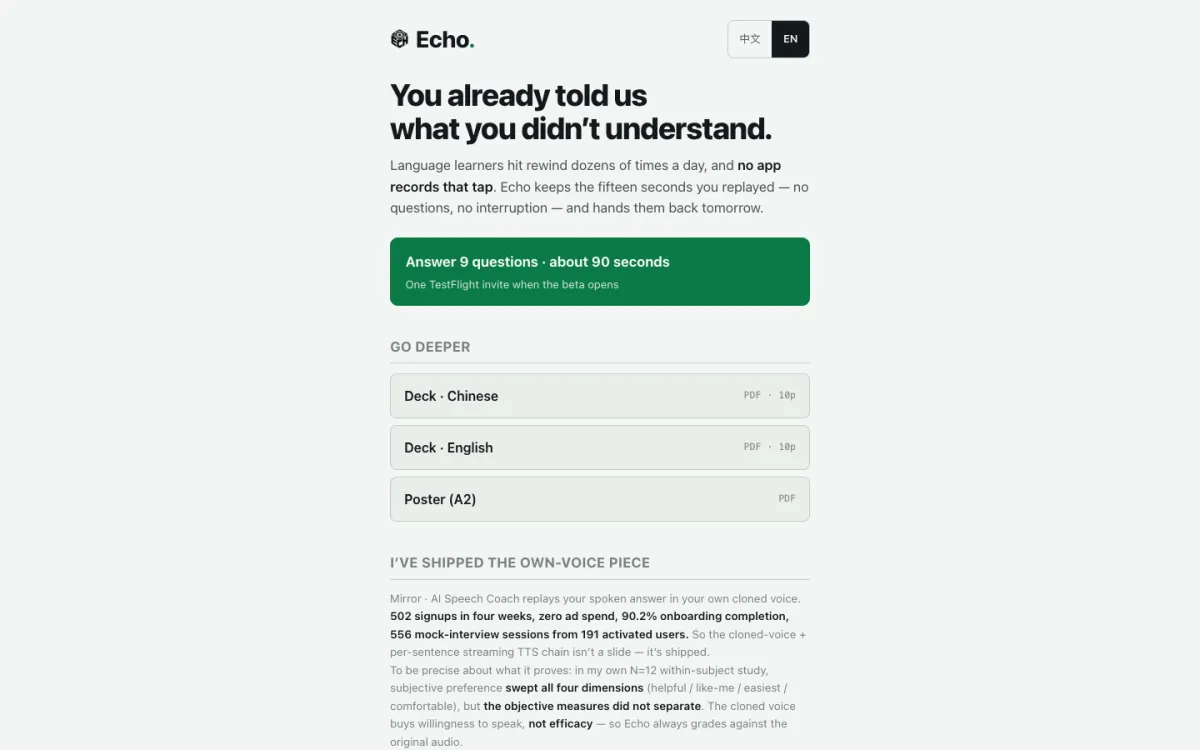
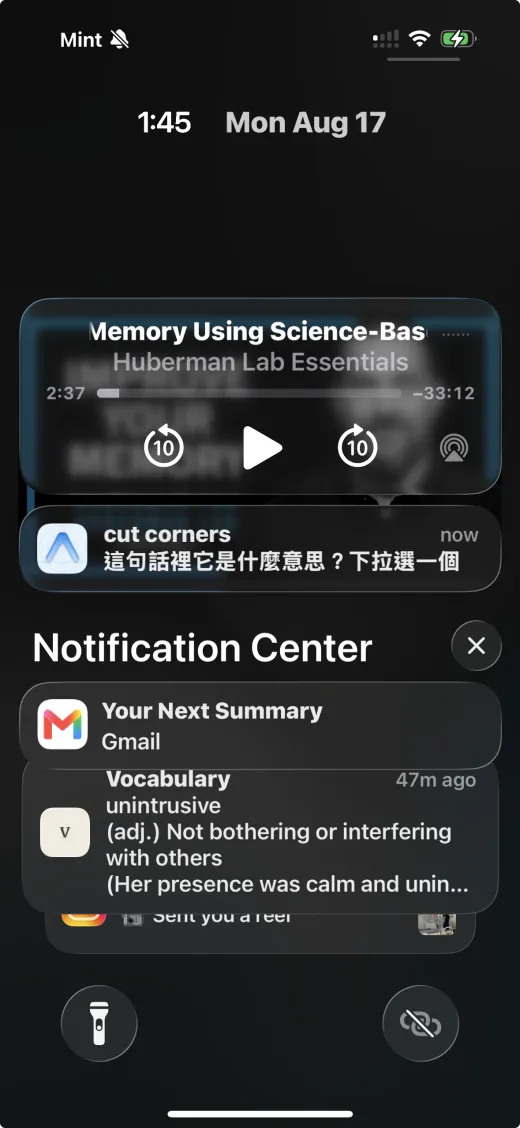
A podcast player that remembers every 15-second rewind: it keeps the sentence you replayed, diagnoses why you missed it (vocabulary, linking, speed…), and turns it into tomorrow's speaking practice. The Chrome version does the same with YouTube captions.
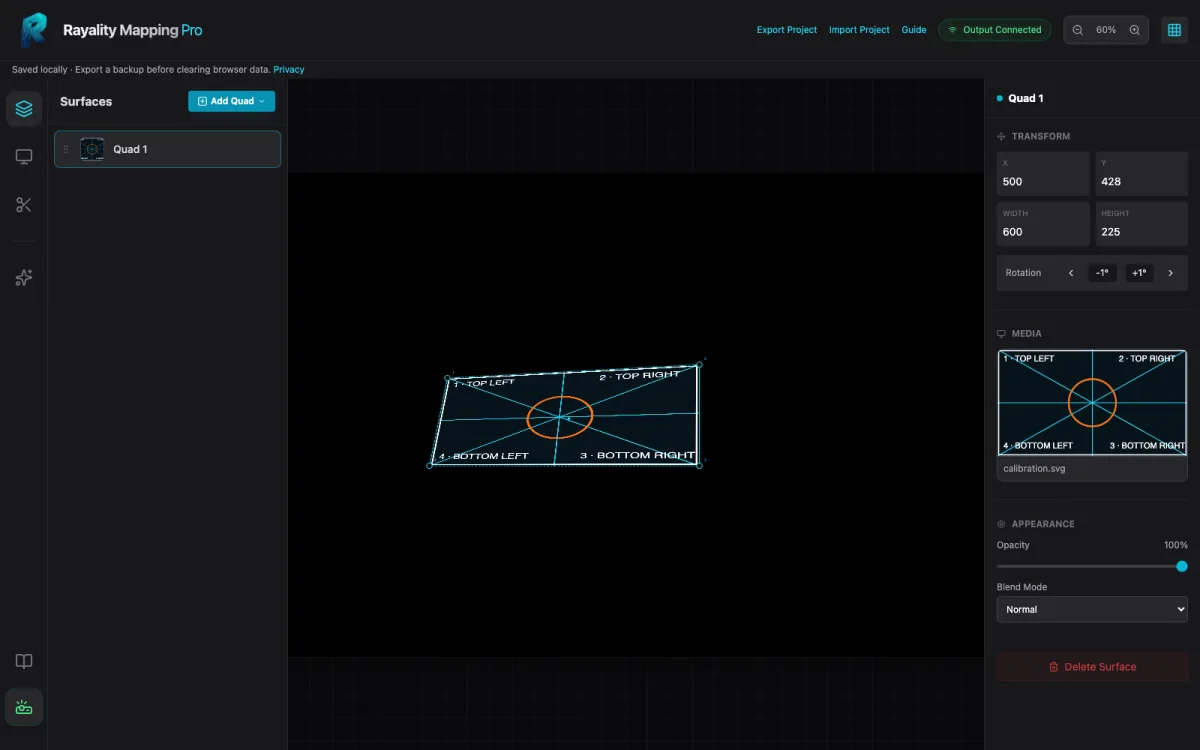
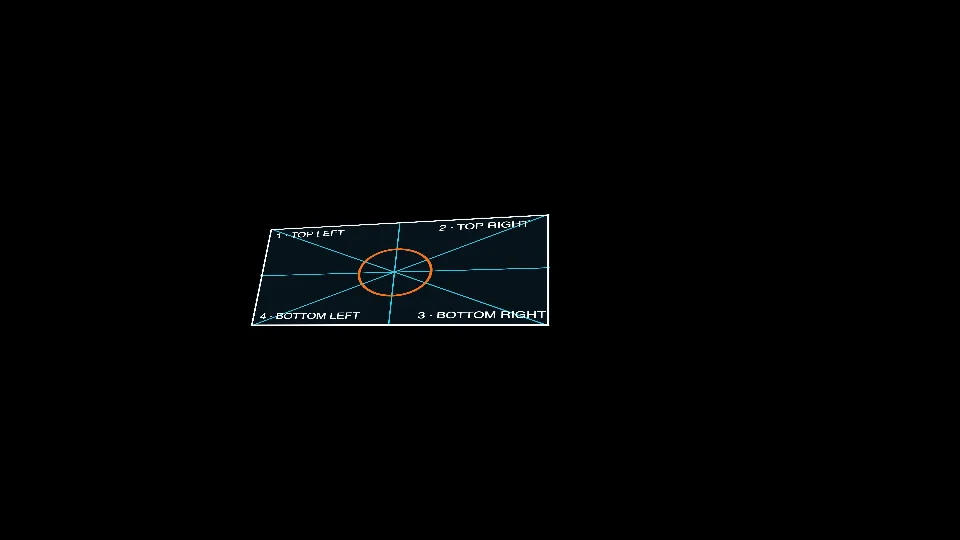
Projection mapping in the browser: import images or video, drag four corners to correct perspective, and send the output to a projector from a separate window. No API key needed for the core workflow; optional Google Veo generation with your own key.
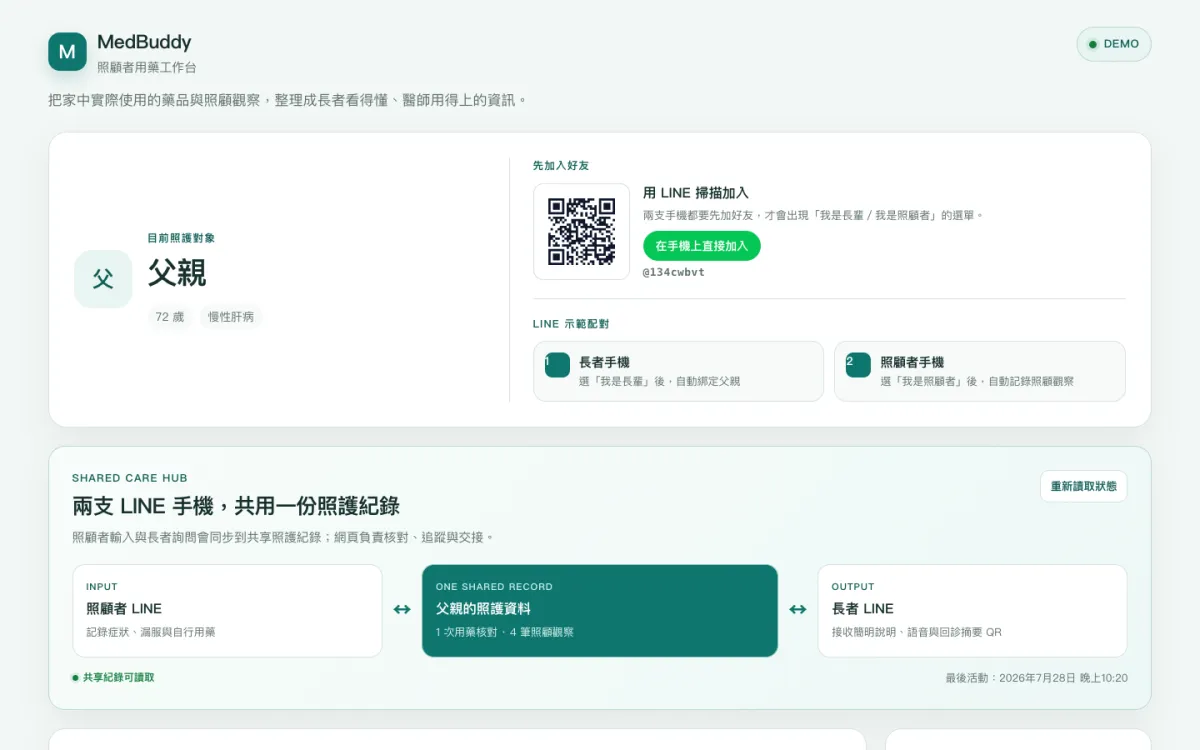
A prototype for medication understanding and care handoffs for older adults on many medicines: rule-based checks, and two LINE accounts sharing one care record between elder and caregiver. Medication-bag photo readings must be confirmed by a person before they are saved. Built in about 48 hours during a build challenge.
Open source
I run several AI agents at once: two coordinators split supervision, every deliverable has exactly one writer, and nothing is accepted without evidence. I wrote that workflow up as a handbook with copy-ready templates, complete in English and Traditional Chinese, with HTML, PDF and ZIP downloads.
12 chapters + capability appendix · 13 templates and 6 diagrams per languageGitHub public API・2026-10-06
What's open
An independent community handbook and template set — not an official Orca product or endorsement. My private assistant runtime (database, scheduler, etc.) is not open-sourced.
GitHub · rick-ray-wldd
Source for Echo, Rayality, MedBuddy and this handbook is public there.
9Public GitHub reposGitHub public API・2026-10-06
Visit my GitHub (opens in a new tab)By the numbers
Page views are one counter shared by both of my sites; the rest come from public GitHub data and this site's own content. The list below shows current values and sources.
Drag to spin · Keyboard: Space pauses, → next card
Case study
I designed a website workflow that AI coding agents follow step by step: I set the goal, pick references, make the calls and sign off; the agents break down references, write the code, run the checks, record the videos and write receipts. No step moves on without evidence.
One sentence on what I want, plus a Pinterest reference. The agent downloads it and breaks it into an effect spec, frame by frame.
Frame sheet, effect map
My words, success criteria, hard limits (no made-up facts, no spending, no outbound messages) and acceptance tests go into one brief that I approve.
Brief document
Agents load reusable skill files (process, checklists, release rules). Each deliverable gets exactly one writer; a second agent only reviews.
Assignment record
All copy and facts live in one content file, which generates both languages — and both the portfolio and this résumé. Every animation has a reduced-motion and no-JS static fallback.
Source commits
Headless Chrome checks six widths from 360 to 1440: overflow, console errors, live links, contrast, keyboard, touch, pausing off-screen. The full suite reruns on every change.
QA report
Real-time scroll recordings on desktop and mobile, plus the result side by side with the Pinterest reference — the three videos below.
Three videos
A second agent reviews the same frozen version; the build gets a per-file SHA-256 manifest. After publishing, live files are read back anonymously and must match.
Manifest, live read-back
The three videos and a summary go to a team channel; the message and attachment sizes are read back as a receipt, after checking it wasn't already sent.
Delivery receipt
Tools actually used: Vite + TypeScript, GSAP, headless Chrome (puppeteer-core), ffmpeg, Cloudflare Pages and Workers, a multi-agent workspace and a Discord bot.
Reference: “Infograph Spinning Animation” on Pinterest (opens in a new tab)
Videos download only when you press play.
The first goes from a need to a reviewable build; the second handles revisions, publishing and delivery. These are cleaned-up templates — fill in your own details.
You are the only writer for this website.
Need: <one paragraph, e.g. "a bilingual résumé site for recruiters">
Reference: <Pinterest or website link> — download it and break it down frame by frame; list what to borrow and what not to.
Facts and assets: use only <folder or document>; if something can't be verified, leave it out.

Deliver:
1. A brief: success criteria, hard limits, acceptance tests.
2. The build: all copy and facts in one content file; two languages; every animation with reduced-motion and no-JS static fallbacks.
3. QA: no overflow at 360/375/390/414/820/1440; zero console errors; links actually open; keyboard and touch work.
4. Recordings: desktop 1440, mobile 390 (labelled as a simulation), and a side-by-side with the reference.
5. A receipt: what changed, the source of every fact, QA results, open items.

Limits: no deploying, no spending, no outbound messages.Revise the same website using the feedback below (you are still the only writer):
<feedback list>
1. Attach a screenshot or test evidence for every item; rerun the full QA and recordings.
2. Freeze: commit, clean build, per-file SHA-256 manifest (sorted with LC_ALL=C).
3. Hand the same version to a reviewer; once it passes, the single deployer publishes it.
4. After publishing, read back anonymously: both language home pages, asset hashes, key text.
5. Send the desktop, mobile and comparison videos to <channel>, read back attachment names and sizes as a receipt; check first that they weren't already sent.
Report: commits, manifest, test counts, video paths, anything not yet verified.Skills are instruction files written for AI agents: the process, gates, checklists and limits, so every site follows the same steps. This is a public version I wrote separately — drop it into your own agent workspace and adapt it freely.
For the full multi-agent coordination method, see my open-source handbook. GitHub (opens in a new tab)
Times come from the git commit history (2026-10-06, Taipei time). They are timestamps, not hours worked — they include waiting and breaks. The first build and later revisions are listed separately.
Contact
Just tell me your name, how to reach you, and what you'd like to talk about.